1. Business Problem Introduction
Payroll errors create immediate damage inside a business. Late salaries reduce employee trust. Incorrect deductions trigger complaints and rework. Small mistakes repeat every month and consume hours of manual correction. Finance teams spend extra time reconciling numbers. HR teams answer the same questions again and again.
Compliance pressure adds another layer of risk. Tax rules change. Labor laws vary by region. Reporting deadlines stay fixed. Manual tracking fails as headcount grows or teams spread across locations. One missed filing can lead to penalties or audits that drain management attention.
Scaling intensifies these problems. A process that worked for twenty employees breaks at one hundred. Approvals slow down. Data mismatches appear between payroll, finance, and HR records. Leadership loses visibility into payroll costs and compliance status.
These challenges cost time, money, and focus long before a fine or audit occurs.
2. What This Topic Means for Businesses
HR software refers to structured systems that manage employee data, payroll calculations, statutory requirements, and reporting in a controlled environment. Some platforms focus on payroll and compliance. Others manage the full employee lifecycle.
These systems sit between HR, finance, and operations. Payroll accuracy depends on clean employee data. Compliance depends on correct rules and audit trails. Reporting depends on consistent inputs across departments.
Growing businesses benefit most from these systems. Companies with frequent hiring, multiple pay structures, or regulatory exposure face higher operational risk without structured support. Very small teams with stable headcount may manage manually for a limited time.
This topic matters because payroll and compliance failures scale faster than revenue growth.
3. Core Explanation: How These Systems Work in Practice
Employee Data Handling
HR systems store employee information in a central database. This includes personal details, compensation structure, tax declarations, benefits, and employment status. Role-based access controls protect sensitive data.
Single-source records reduce inconsistencies. A change in salary updates payroll calculations automatically. Leave records feed into pay adjustments without duplicate entry.
Payroll Processing
Payroll engines apply predefined rules to calculate earnings and deductions. These rules reflect pay frequency, overtime logic, leave policies, and statutory requirements. The system generates pay slips and bank-ready payment files.
Teams review payroll before final approval. Exception handling covers bonuses, reimbursements, or corrections. Automation reduces repetitive calculations yet keeps human oversight in place.
Compliance Tracking
Compliance modules track statutory filings, tax withholdings, and labor law obligations. Some systems include jurisdiction-specific rule libraries. Others rely on configuration by administrators or local partners.
Audit trails record every change. Salary edits, tax updates, and approvals remain logged. These records support inspections and internal reviews.
Reporting and Audits
HR software produces standardized reports for payroll summaries, tax filings, and compliance checks. Finance teams export data into accounting systems. Auditors review logs without requesting manual files.
Accurate reporting depends on correct setup and disciplined usage. The system supports accuracy but does not replace governance.
4. Comparison Table: Manual Payroll vs HR Software
| Area | Manual Processes | HR Software Systems |
|---|---|---|
| Employee data | Multiple files and spreadsheets | Centralized structured records |
| Payroll accuracy | Prone to calculation errors | Rule-based automated processing |
| Compliance tracking | Manual calendars and reminders | System alerts and audit logs |
| Operational impact | High admin workload | Reduced repetitive effort |
| Cost implications | Hidden labor and rework cost | Predictable operating expense |
| Risk exposure | High risk of errors | Lower risk with traceability |
5. Business Evaluation Checklist
✔ Central employee data management
✔ Payroll automation with approval controls
✔ Built-in compliance tracking
✔ Audit logs and reporting access
✔ Integration with accounting systems
✔ Support for regulatory changes
This checklist helps teams align system scope with real operational needs.
6. Pricing and Cost Structure Explanation
HR software pricing follows several common patterns.
Per Employee Per Month
Vendors often charge based on active employee count. Costs scale with hiring. This model aligns usage with expense but increases payroll system cost during growth phases.
Add-On Modules
Core HR functions may include payroll or compliance as separate modules. Performance management, benefits administration, or analytics often carry extra charges. Costs grow as feature usage expands.
Implementation and Onboarding Costs
Many platforms charge one-time fees for setup. These cover data migration, configuration, and training. Multi-country payroll setups raise complexity and cost.
Support and Maintenance
Premium support, custom reporting, or dedicated account management often sit behind higher plans. Long-term cost depends on how much internal support the business requires.
Prices vary based on company size, geography, compliance scope, and integration depth. Public pricing rarely reflects full ownership cost.
7. Risks, Limitations, or Trade-Offs
HR software introduces operational trade-offs.
Setup requires planning and skilled configuration. Poor rule setup leads to payroll errors even inside automated systems.
Ongoing management remains necessary. Tax updates, policy changes, and employee lifecycle events require regular oversight.
Cost creep can occur. Add-on modules, user expansions, and support upgrades increase monthly spend over time.
Some systems limit flexibility. Businesses may adapt processes to fit the software rather than the reverse. Customization solves this issue but adds complexity.
8. Common Mistakes Businesses Make
-
Selecting software before mapping payroll workflows
-
Ignoring local regulatory requirements
-
Overloading the system with unused features
-
Underestimating onboarding time
-
Assigning no internal system owner
-
Treating subscription cost as total cost
Each mistake increases risk or long-term expense.
9. Graphs or Insight Visuals Explained
One useful chart compares payroll error frequency over time. Manual processes show frequent spikes during hiring or regulation changes. Automated systems stabilize after setup.
Another graph plots compliance effort against employee count. Manual effort rises sharply with scale. Software-based processes grow more gradually due to rule reuse and automation.
These visuals highlight predictability as a key advantage.
10. Practical Summary
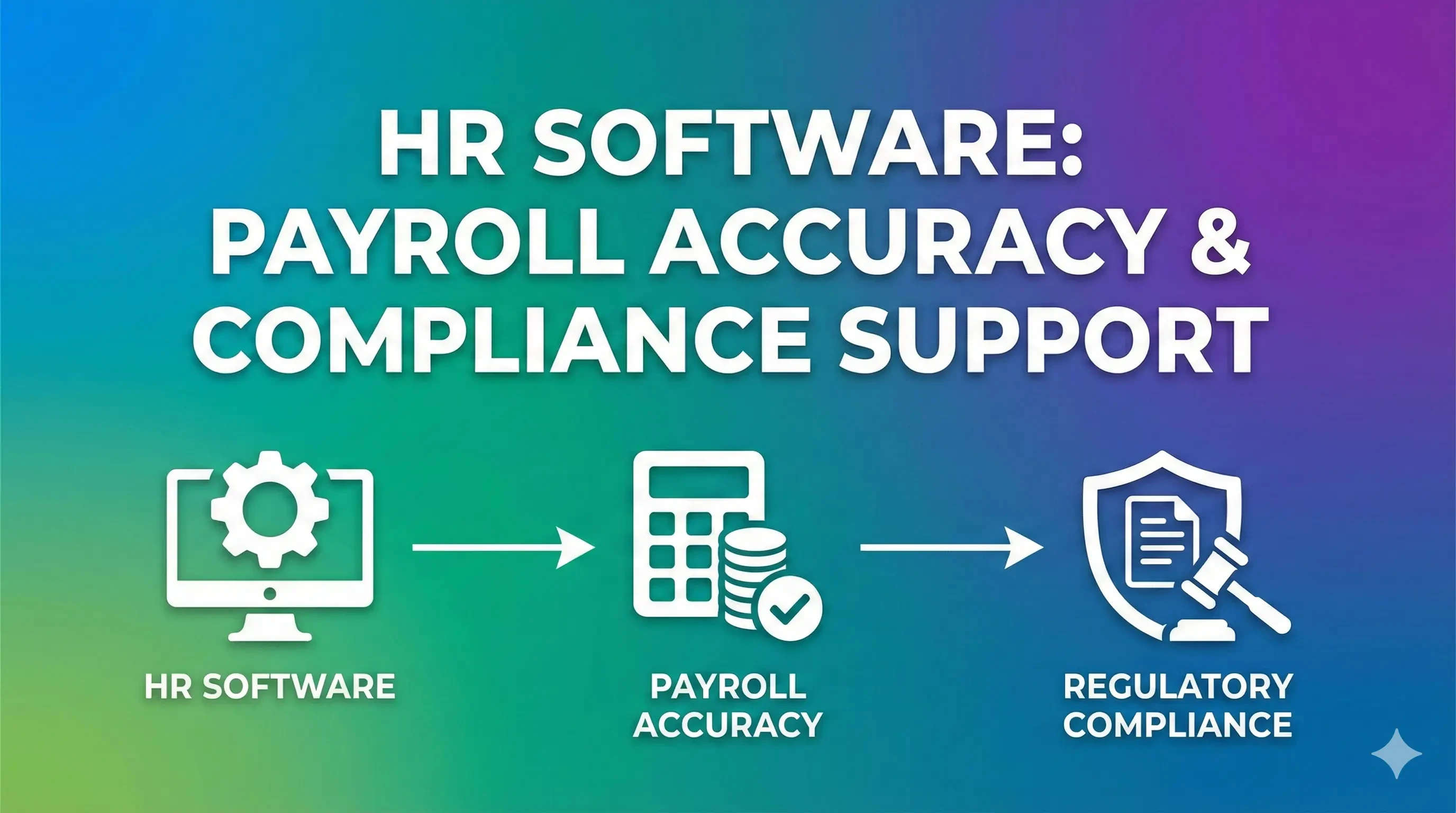
Payroll accuracy and regulatory compliance depend on structured data, repeatable rules, and clear audit trails. Manual processes struggle as businesses scale or regulations change.
HR software supports these areas through centralized data, automated calculations, and built-in compliance tracking. Costs include more than license fees. Setup effort, internal ownership, and future expansion affect long-term value.
Decision-makers gain clarity by matching system scope to real payroll complexity and compliance exposure. A measured approach reduces risk and supports stable growth without operational overload.