1. Business Problem Introduction
As companies grow, HR operations become harder to manage. What once worked with spreadsheets and email approvals starts to break down. Employee records sit in multiple places. Payroll corrections increase. Compliance tasks consume more time than expected. Leadership asks for workforce data that HR teams struggle to assemble.
Scaling creates pressure from several directions at once. Payroll accuracy becomes critical as headcount rises. Labor laws change across regions, which increases compliance risk. Audits demand clear records and approval trails. HR teams lose productive hours fixing data issues instead of supporting people and managers.
These challenges do not come from poor effort. They come from systems that no longer match operational reality.
2. What This Topic Means for Businesses
Modern HR software systems are digital platforms that manage employee-related processes across the organization. They handle data storage, payroll calculations, compliance documentation, and reporting in a structured way.
These systems sit between HR, finance, and operations. They connect people data with payroll expenses, tax filings, and workforce planning. Some platforms focus on a narrow function such as payroll. Others cover the full employee lifecycle from hiring to exit.
Businesses with stable teams and simple payroll rules may not need advanced systems. Companies with growing headcount, multiple locations, or regulatory exposure benefit most from modern HR software.
Understanding the differences between these systems helps decision-makers choose tools that match actual needs rather than assumed requirements.
3. Core Explanation: How Modern HR Systems Work in Practice
Employee Data Handling
All HR systems manage employee data, but they differ in depth and structure. Basic systems store essential details such as name, role, pay rate, and tax status. Advanced platforms maintain a full employment record including job history, performance data, benefits enrollment, and policy acknowledgments.
Modern systems apply role-based access controls. HR teams see full records. Managers see team-level data. Employees access personal information through self-service portals. Audit logs track changes, which supports accountability and reviews.
Centralized data reduces duplication and improves consistency across departments.
Payroll Processing
Payroll processing sits at the core of most HR systems. Differences appear in how payroll rules are handled. Entry-level systems calculate wages and deductions with limited flexibility. Advanced platforms support complex pay structures, variable compensation, overtime rules, and multi-entity payroll.
Most systems generate payroll previews for validation before processing. Integration with banking systems supports direct deposits. Some platforms support statutory filings and year-end reports, while others rely on external providers.
Payroll accuracy depends on configuration quality and data integrity rather than software alone.
Compliance Tracking
Compliance capabilities vary widely. Basic systems store documents but rely on manual follow-up. More advanced platforms include alerts for expiring documents, missing acknowledgments, or regulatory deadlines.
Systems may support country or state-specific compliance logic. This includes leave policies, tax forms, and reporting schedules. Compliance features reduce manual monitoring but still require human oversight.
Businesses operating across regions face higher compliance demands and benefit from structured tracking.
Reporting and Audits
Reporting separates simple tools from enterprise-ready platforms. Basic systems offer standard payroll reports. Advanced platforms provide workforce analytics, cost trends, and audit-ready logs.
Reports often feed finance and leadership reviews. Audit logs capture approvals, data edits, and access history. These features reduce time spent preparing for audits or internal reviews.
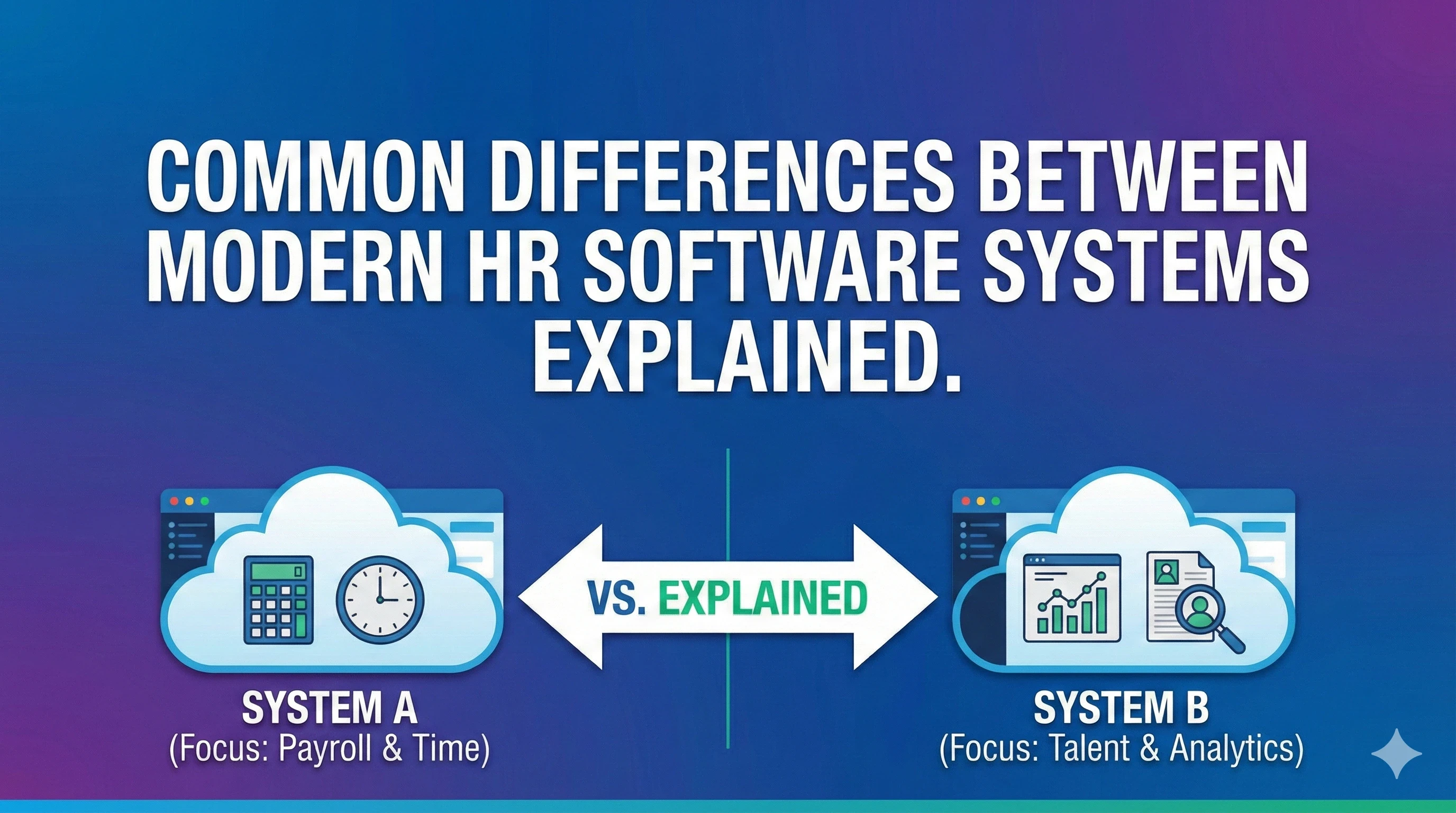
4. Comparison Table: Key Differences Across HR Software Systems
| Dimension | Basic HR Systems | Integrated HR Platforms | Enterprise HR Suites |
|---|---|---|---|
| Primary focus | Payroll and records | HR and payroll operations | End-to-end workforce management |
| Employee data depth | Limited | Comprehensive | Highly structured and configurable |
| Payroll flexibility | Standard rules | Advanced scenarios | Multi-country and multi-entity |
| Compliance support | Document storage | Alerts and tracking | Regulatory frameworks |
| Reporting | Standard reports | Custom dashboards | Advanced analytics |
| Integration | Accounting only | Finance and HR tools | ERP and business systems |
| Cost structure | Lower entry cost | Mid-range recurring cost | Higher long-term investment |
| Risk exposure | Manual gaps remain | Reduced operational risk | Lower compliance risk |
This comparison shows why different systems suit different business stages.
5. Business Evaluation Checklist
Use this checklist to assess operational needs before comparing vendors:
✔ Central employee record management
✔ Payroll automation with configurable rules
✔ Compliance document storage and tracking
✔ Approval workflows and audit logs
✔ Reporting for payroll and workforce data
✔ Employee self-service access
✔ Integration with accounting systems
✔ Support for multi-location operations
Clear requirements reduce the risk of overbuying or underutilizing features.
6. Pricing and Cost Structure Explanation
Most HR software follows a subscription-based pricing model. Vendors typically charge per employee per month. Costs rise as headcount increases.
Pricing differences depend on several factors:
-
Number of employees
-
Scope of features
-
Geographic coverage
-
Payroll complexity
-
Integration needs
Many platforms offer modular pricing. Payroll may serve as a base module. Additional modules such as benefits, performance, or analytics add to monthly costs.
Implementation and onboarding fees often apply. These cover data migration, system configuration, and training. Businesses with complex data or multiple entities face higher setup costs.
Prices vary because vendors bundle services differently and target different market segments.
7. Risks, Limitations, and Trade-Offs
Modern HR systems improve structure but introduce trade-offs.
Setup requires time and internal coordination. Data cleanup often takes longer than expected. Configuration errors affect payroll accuracy if teams rush implementation.
Ongoing management remains necessary. Systems automate tasks but still rely on correct inputs and regular reviews. HR teams must monitor rule changes and system updates.
Cost creep can occur as companies add modules or expand usage. What starts as a payroll system can become a larger operational platform with higher recurring costs.
Vendor dependency also matters. Switching platforms later requires data migration and retraining.
8. Common Mistakes Businesses Make
Many organizations repeat similar mistakes during HR system selection:
-
Selecting software before defining internal processes
-
Focusing only on payroll and ignoring compliance needs
-
Overestimating future feature usage
-
Underestimating implementation effort
-
Excluding finance and IT from decisions
-
Ignoring reporting and audit requirements
Avoiding these mistakes improves long-term system value.
9. Graphs or Insight Visuals Explained
A useful visual would compare administrative effort against employee count. Manual processes show a steep increase in HR hours as teams grow. Automated systems flatten this curve through standardized workflows.
Another graph could show payroll error rates before and after automation. Errors decline as validation rules replace manual calculations.
A cost comparison chart could show software costs rising with headcount while compliance and correction costs stabilize or decline.
These visuals help leaders see trade-offs beyond subscription fees.
10. Practical Summary
Modern HR software systems differ in scope, complexity, and operational impact. Basic systems handle payroll and records. Integrated platforms support broader HR workflows. Enterprise suites manage complex workforce structures.
Decision-makers should align system choice with current scale and realistic growth plans. Data structure, compliance needs, reporting depth, and long-term costs all matter.
A clear understanding of differences helps businesses invest in systems that support operations without unnecessary complexity or expense.